If I Started an Online Business Today, These Are the Tools I'd Use
A no-fluff breakdown of the actual software worth your time and money when you're starting from scratch
E
Edriis Franklin
September 27, 2026
Every few months, some new tool gets hyped as the thing that will finally make running an online business easy. And every few months, people buy subscriptions they don't need, build complicated systems before they have a single customer, and wonder why nothing is working.
So let me be straight with you. Tools don't make a business. They support one. The goal here isn't to hand you a shopping list. It's to show you what I'd actually reach for depending on what kind of business I was trying to run, and why. If you're looking for the best tools for online business, the honest answer is: it depends on what you're selling.
First: Stop Building a Tool Stack Before You Have a Direction
This is the mistake most people make. They spend a weekend signing up for tools, connecting apps, and making everything look professional before they've talked to a single potential customer. The tools feel productive. They aren't.
Figure out the basics first. What are you selling? Who's buying it? How does money actually change hands? Once you can answer those three questions, picking your tools takes about 20 minutes instead of 20 weeks.
Build your stack around the business, not your business around the tools. A hammer is great if you're building a shelf. It's useless if you're writing a newsletter.
ChatGPT: Your Unfair Advantage as a Solo Operator
If you're starting out with limited time, limited budget, and no team, ChatGPT is the closest thing to a real shortcut that actually exists. It's not magic, and it won't write your whole business for you, but it will handle a lot of the heavy lifting that used to require hiring someone.
Product descriptions, email sequences, social captions, FAQ pages, customer service replies, business name brainstorming, pricing page copy. All of it. I've used it to write a full landing page draft in under 10 minutes. Not a perfect one, but a solid starting point that I could actually work with.
When we talk about AI tools for entrepreneurs, ChatGPT is the one that actually earns its monthly fee for most people. The free version is fine to start. Pay for Plus when you're using it daily and need faster results.
Shopify: If You're Selling Physical or Digital Products
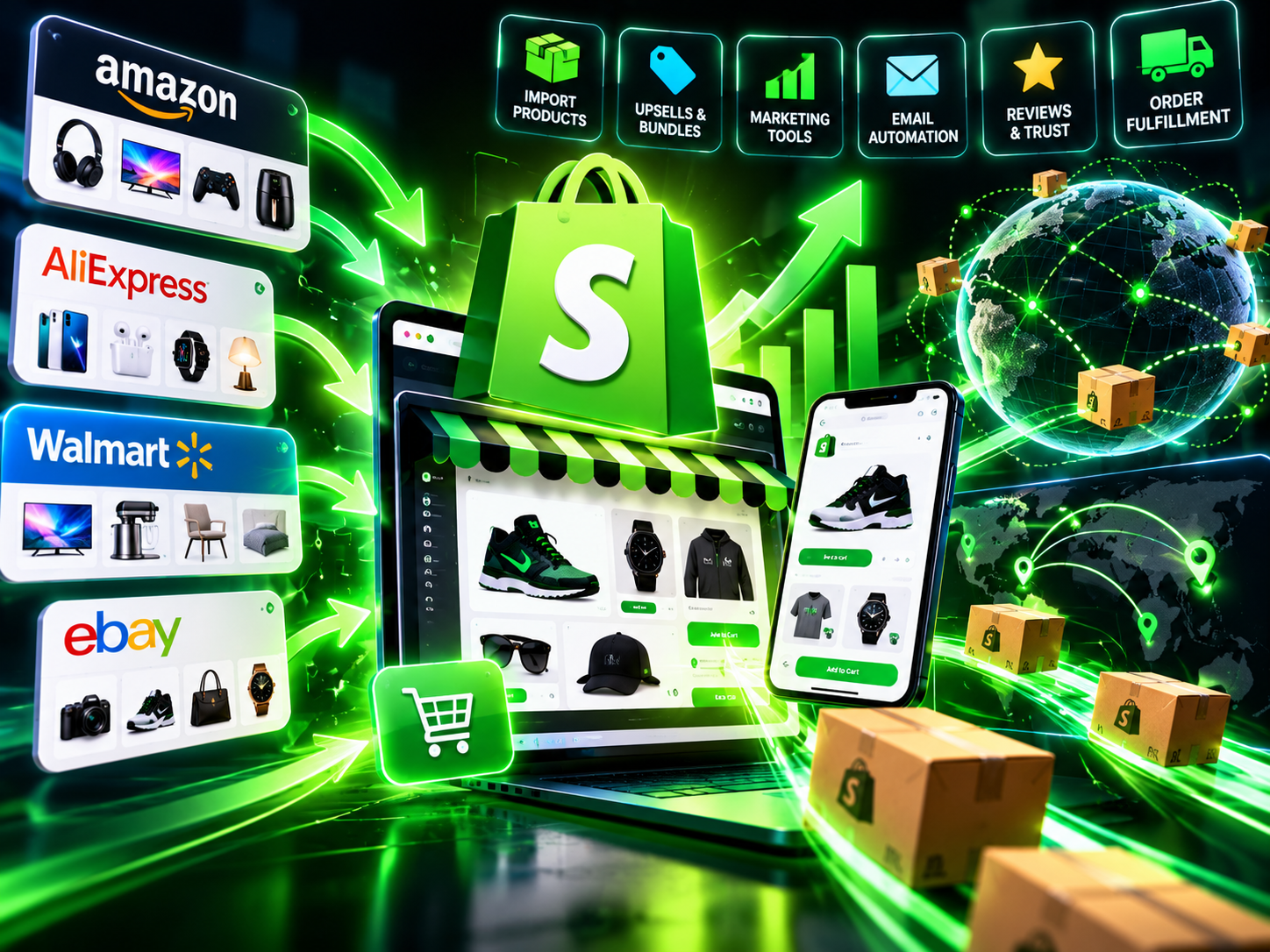
Shopify is the platform I'd use if I was selling anything product-based, whether that's a physical item you ship, a digital download, or a print-on-demand product. It's not the cheapest option out there, but it's the one that scales without you having to rebuild everything when you grow.
The setup is genuinely straightforward. You can have a real, working store in an afternoon. The app ecosystem is massive, meaning if you need reviews, subscriptions, upsells, or local pickup, there's something already built for that.
Where people go wrong is treating Shopify like the business itself. It's a storefront. You still need to get people to walk in the door. But as a place to sell? It's hard to beat for product-based businesses.
Kittl: Design Without a Design Degree
Most people don't have a graphic design background, and most people don't need one anymore. Kittl sits in a sweet spot between Canva and professional design software. It's especially useful if you're selling anything that involves visual branding, like print-on-demand products, logos, Etsy listings, or branded merchandise.
The templates are actually good. Not generic stock-photo good. Actually usable for real products. If you're running a Shopify store and need product mockups, or if you're building a brand and need a consistent visual identity without paying a designer $500, Kittl is worth a close look.
It's one of the more underrated tools to start an online business with, particularly if your product has a visual component.
Systeme.io: The All-in-One That Doesn't Cost a Fortune
If you're selling a course, a coaching program, a digital product, or anything that involves email marketing and funnels, Systeme.io is the tool I'd start with. The free plan is genuinely generous. You get email marketing, landing pages, sales funnels, course hosting, and basic automation all in one place at no cost up to 2,000 contacts.
Compare that to paying separately for ConvertKit, Teachable, ClickFunnels, and a landing page builder, and you're looking at saving $150 to $300 per month easily. For someone just starting out, that's not a small thing.
Is it the most powerful tool in each individual category? No. But when you're a one-person operation trying to keep overhead low while you figure out what actually sells, Systeme.io does the job without bleeding your checking account dry.
The best tool is the one you'll actually use consistently.
E. Franklin
Video Tools: InVideo, Renderforest, CapCut, and Hailuo AI
Video is not optional anymore. Whether you're running ads, posting on social media, creating course content, or just trying to explain what you do, you need to be comfortable making video content. The good news is you don't need a camera crew or a $3,000 setup.
Here's how I'd think about each of these:
InVideo: Great for creating promotional videos, ad creatives, and short social clips quickly. It has an AI-assisted workflow that lets you go from a script to a finished video without touching a timeline editor. Good pick if you need polished video content but don't want to spend hours editing.
Renderforest: More of a branding-focused tool. It handles animated logos, intro videos, and brand videos well. If you need something that looks like a real company made it, Renderforest gets you there without much effort.
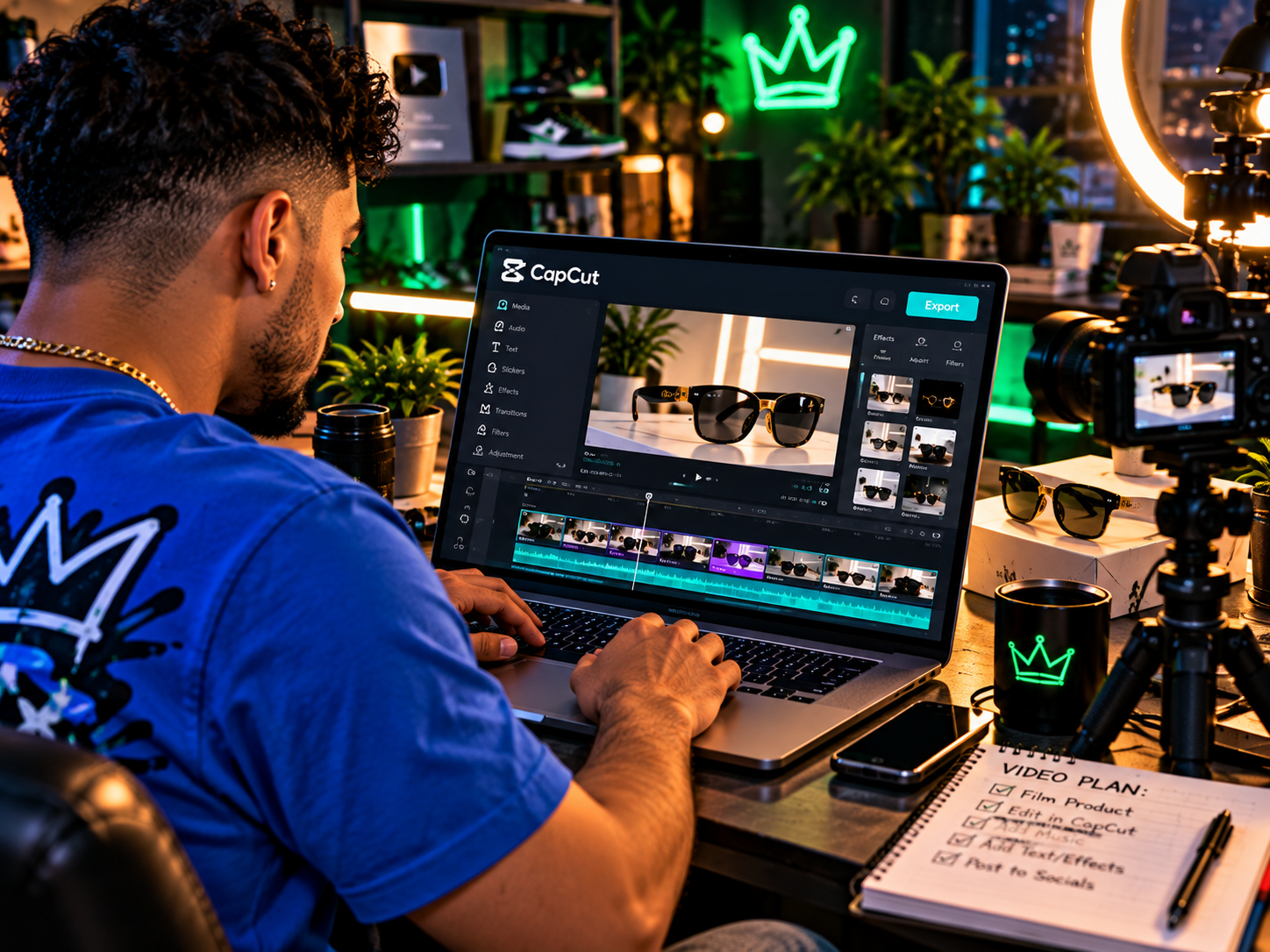
CapCut: Free, fast, and genuinely capable. If you're making short-form content for TikTok, Instagram Reels, or YouTube Shorts, CapCut is what a lot of actual creators use. Don't overlook it because it's free. The mobile version is surprisingly powerful.
Hailuo AI:One of the newer AI video generation tools worth paying attention to. You can generate short video clips from text prompts, which is useful for creating content without being on camera yourself. Still early technology, but if you're testing AI tools for entrepreneurs, Hailuo is one to experiment with now before everyone catches on.
You don't need all four of these. Pick based on what kind of content you're actually making. If you're doing social media, CapCut. If you're making ads or branded explainer videos, InVideo or Renderforest. If you want to experiment with AI-generated footage, Hailuo.
Bluehost: For When You Need a Real Website
Not every online business needs a website right away. Plenty of people make real money selling on Etsy, posting on social media, or using Systeme.io landing pages before they ever touch a domain name. But when you're ready for a proper home base on the internet, Bluehost is a reliable, affordable place to host a WordPress site.
It's been around long enough to have worked out most of the kinks. The pricing is reasonable, especially for the first year. Customer support is available when things break, and things will occasionally break. WordPress gives you more control over your site than most hosted platforms, which matters more as your business gets more specific in what it needs.
If you're building a content site, a blog with affiliate income, or a service-based business that needs a professional web presence, Bluehost plus WordPress is still a solid combination in 2026.
How to Actually Choose What You Need
Here's a simple way to think about it. Match the tool to the business model you're actually running, not the one you think sounds cool.
Selling physical or print-on-demand products: Shopify plus Kittl plus ChatGPT for copy
Selling courses, coaching, or digital downloads: Systeme.io plus ChatGPT plus CapCut for content
Building a content or affiliate site: Bluehost plus WordPress plus ChatGPT for writing assistance
Selling services like freelancing or consulting: Systeme.io for your funnel, Bluehost for your site, ChatGPT for proposals and outreach
Trying to grow on social media: CapCut plus InVideo plus Hailuo AI for content creation
Notice that ChatGPT shows up in almost every category. That's not an accident. When you're a solo operator wearing every hat, having something that can help you write, think through problems, and produce content faster is worth more than any niche tool.
Start with the minimum you actually need to make a sale. Add tools when a specific problem shows up that your current setup can't handle. Most people have a tool problem way before they have a sales problem.
The Part Nobody Talks About
Every tool on this list has a free trial or a free plan. That means your first job is not to spend money. Your first job is to make something and try to sell it. Use free tiers until you have revenue coming in. Then invest in the paid plans that will actually support more growth.
The internet is littered with people who spent $400 a month on software before they ever got their first customer. Don't be that person. A Google Doc and a PayPal link have launched real businesses. The tools listed here are genuinely useful, but none of them will do the hard part for you, which is finding people who want what you're selling and convincing them to buy it.
When you find that? Then your tool stack becomes a real asset. Until then, keep it lean, keep it cheap, and stay focused on the only metric that actually matters in the early days: did anyone pay you yet?
Pick the tools that fit the business you're actually building, not the business you imagine you might build someday. That's the whole game.